Reset the VCF NSX svc Account
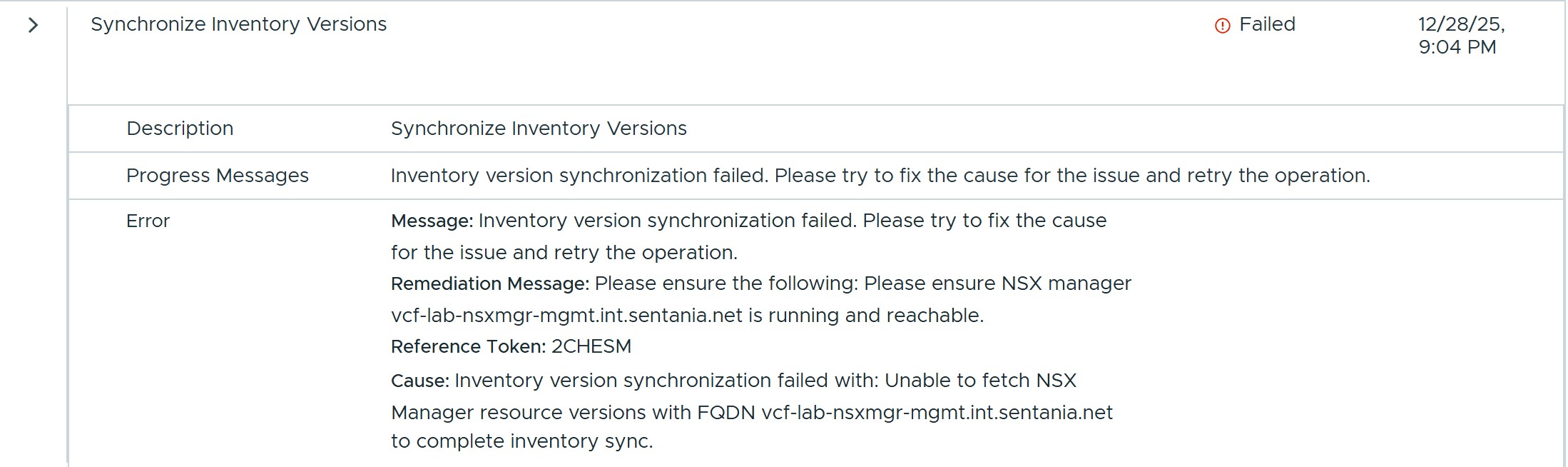
Last week, I ran into an issue in my lab when trying to commission additional hosts. After some digging, I realized that SDDC Manager was having trouble communicating with the NSX Manager for my management domain. In VCF Operations, my Fleet Management tasks were filled with messages indicating that the connection to NSX had been lost.
I started by checking whether the root, admin, and audit account passwords were in sync, and I quickly found myself going down quite a rabbit hole. In this post, I’ll walk through what I did to fix the issue.
It's not about admin!
At first, I assumed this would be a simple fix: the admin account password was out of sync. I used the lookup_passwords script to retrieve the password.
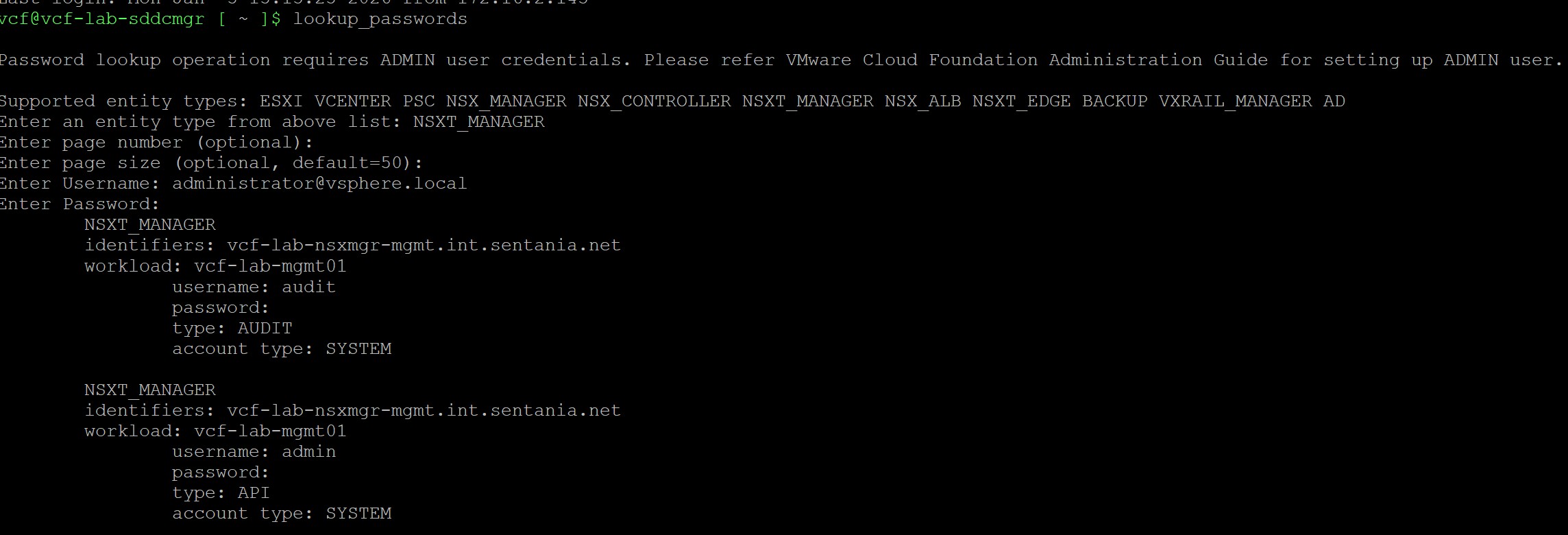
I was pretty surprised to find that I could successfully SSH into the NSX Manager as root, admin, and audit, which confirmed that none of those accounts were the problem. To dig deeper, I checked the log file /var/log/vmware/vcf/operationsmanager/operationsmanager.log, which contains messages from inventory synchronizations, health checks, and other background activities intended to keep VCF running smoothly.

The log file contained repeated references to an account named svc-vcf-lab-sddcmgr-vcf-lab-8183, which was nowhere to be found in the password management section of Fleet Management. When I queried the NSX Manager for users—both via the CLI (get user) and through the NSX API—the account didn’t appear at all.
Puzzled, I logged back in as root and checked /etc/passwd:

Since lookup_passwords didn’t provide any insight into this account’s password—but did offer an option to update the password if it had been changed out of band—I used my root access to reset the password.
After resetting the password on the NSX Manager, I needed to update it in SDDC Manager. I followed the 5.2 documentation, since this account is not visible in VCF Operations.
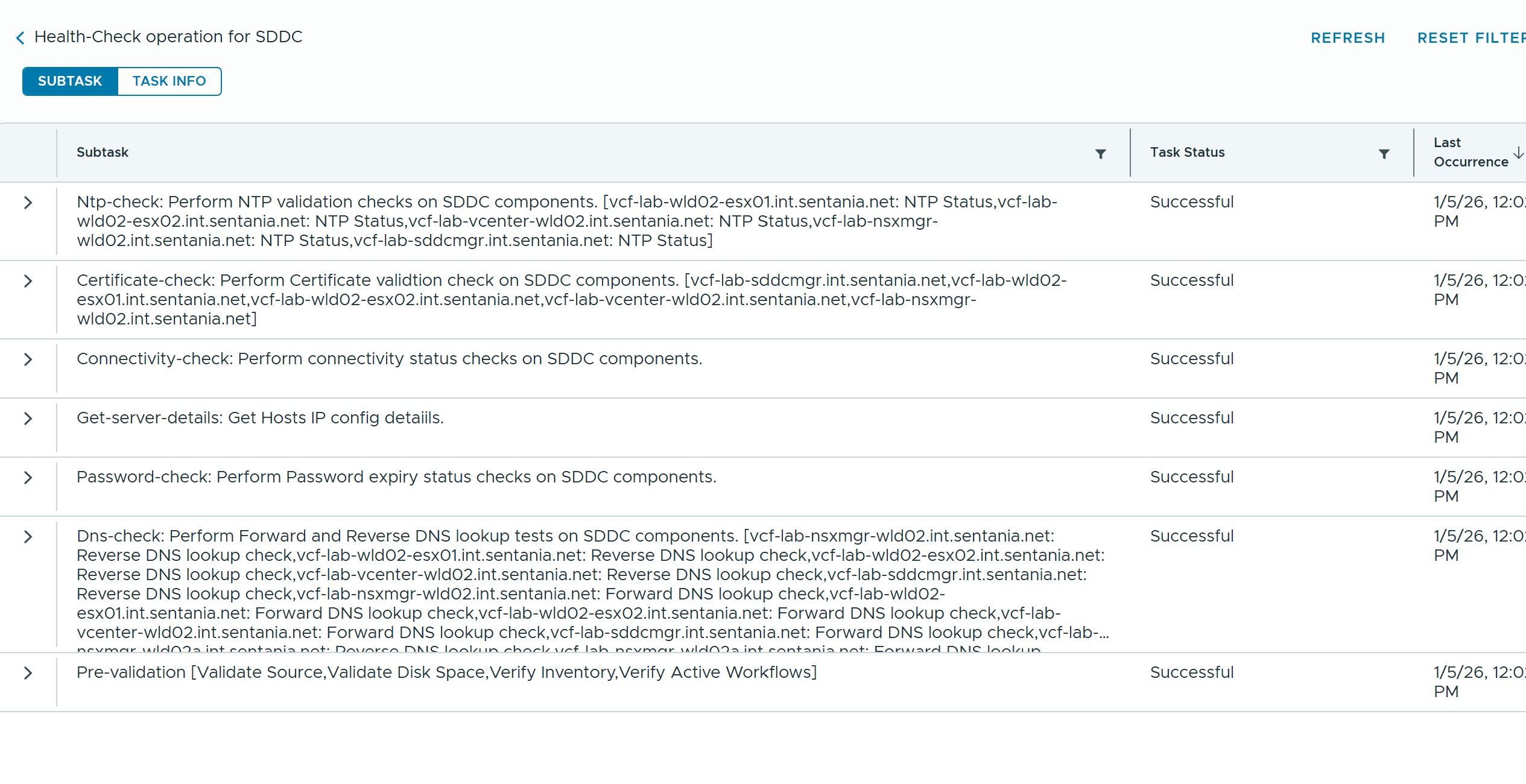
After giving things some time to settle down and sync, everything returned to a healthy state.