Claude Commissions a VCF Host
Like many others, I jumped on the MinisForum MS-A2 train a few months ago. I swapped out my Dell r740xd which was a single host management domain, with 3x MS-A2s. In general, these have been performing really well. When I put a host into maintenance mode, things can get a little slow, but I've been really happy with the change, especially with the reduction in power consumption.
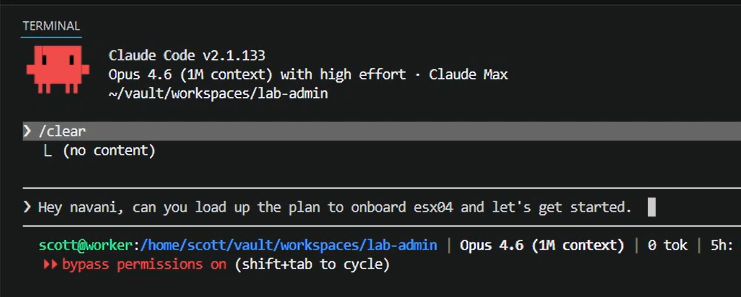
For the last month or so I've been assembling the pieces to build a fourth node. Last Thursday evening I finally got around to building out esx04. However, I thought I would do it with a twist... As I posted in my last entry, I have been exploring Claude Code, and I thought this would be a real challenge to see what it was capable of. Could Claude take a bare-metal machine from a blank slate to making it a fully fledged member of a VCF 9 cluster?
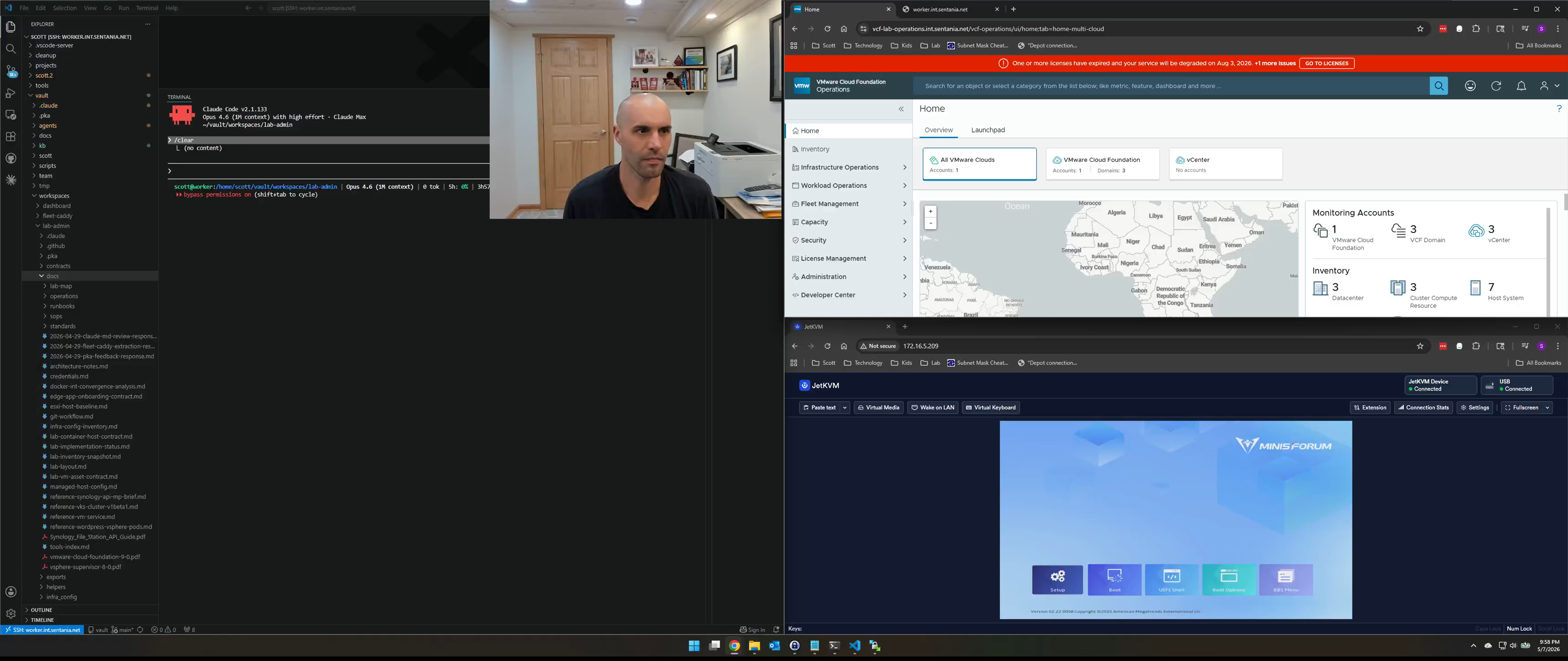
It took about 2 hours to do end to end. At no point did I break glass and take the wheel, however there were a couple of places where I provided some coaching when I noticed Claude spinning a bit. A further complication to this was that the hostname I chose was previously occupied by a standalone host in my Management Domain, that I decommissioned in a non-VCF friendly way, leaving a few stale records in the VCF DB that we had to tackle.
I use JetKVM devices in my lab to provide KVM access, and while Claude was able to connect and interact, I couldn't watch, since it takes over the WebRTC stream. So before we even began, I had Claude write a WebRTC relay so I could watch. After that, it was pretty much a puppet show, with Claude doing the work.
BIOS Configuration
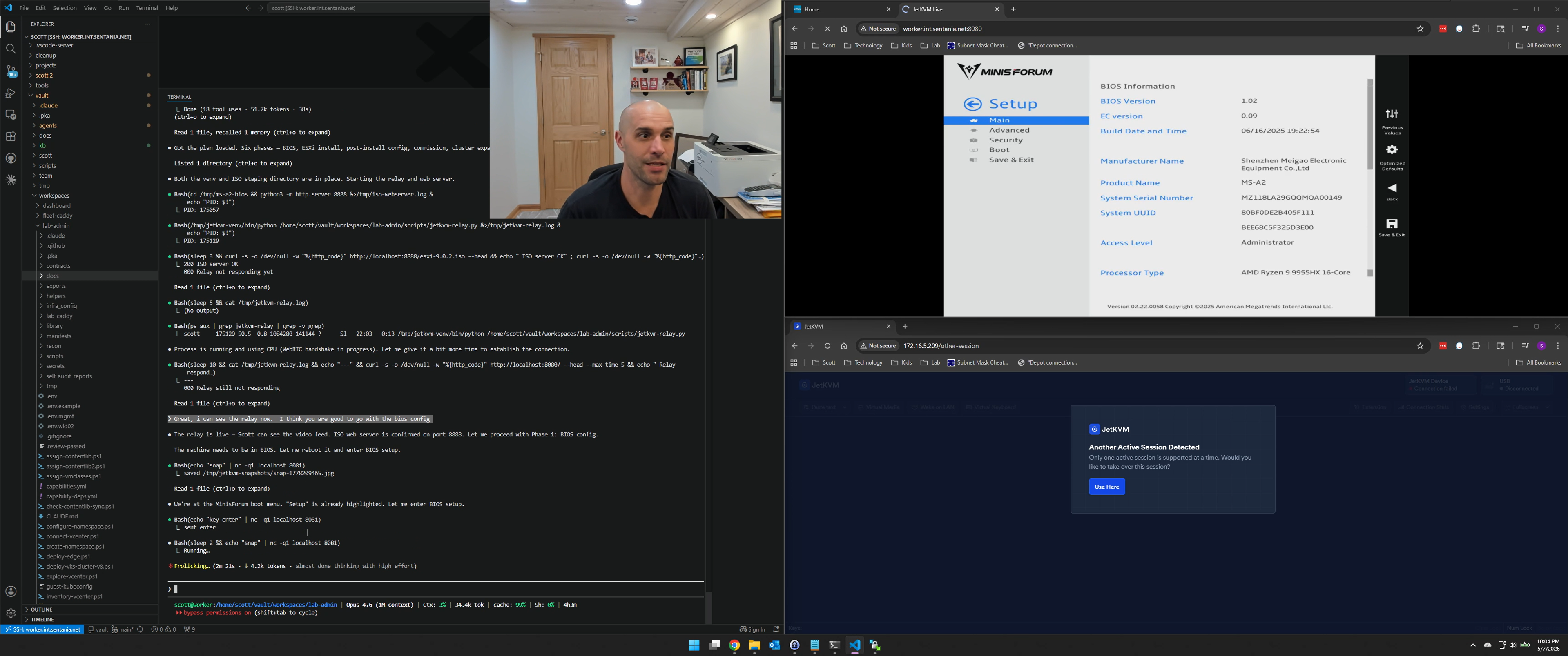
The machine came up at the MinisForum boot menu, which was where I wanted Claude to take over. The BIOS work wasn't glamorous - there were three things I wanted set on every MS-A2 before it goes into production: TjMax down to 78°C, Trusted Computing disabled, and Secure Boot off. The first one matters more than it sounds. The 9955HX defaults to a TjMax of 96°C, which means it happily runs at 95-something degrees under sustained load and silently shortens its own lifespan. Setting it to 78°C costs you about 5% of peak performance and buys you several additional years of component life. Worth it.
The catch is that the MS-A2 uses an AMI Visual BIOS, which has a left sidebar for top-level categories and a content pane on the right. Mouse clicks don't register on sidebar items - you have to navigate with the keyboard. Claude figured this out the hard way, spending a few cycles clicking on menu items that weren't responding before learning that the right pattern was left-arrow to jump to the sidebar, up/down to pick a category, right-arrow to enter the content pane. Once it had that down, it navigated through Advanced → AMD CBS → SMU Common Options to get to the TjMax setting without much drama.
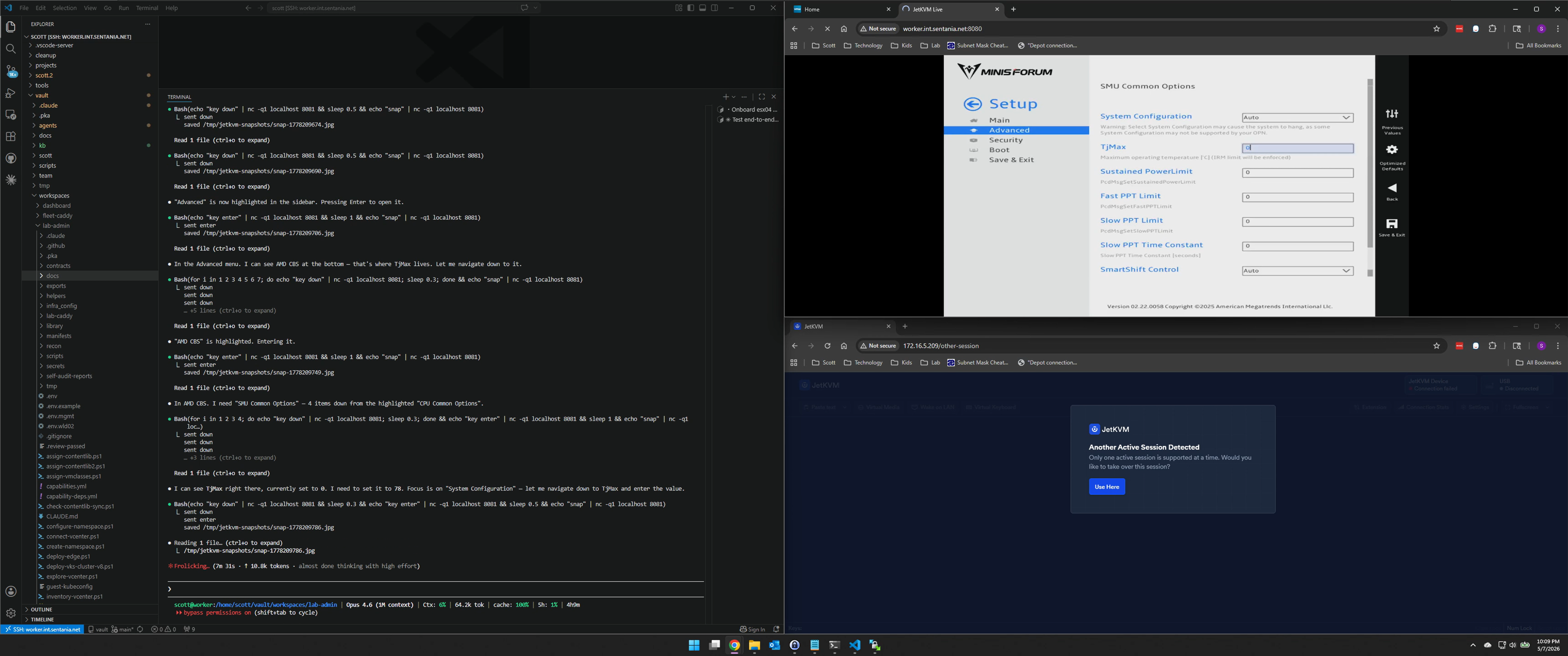
Trusted Computing and Secure Boot were quicker - the MS-A2 doesn't have a compatible TPM anyway, so disabling both just cleans up ESXi's warning list at post-install. Saved and exited, machine rebooted.
Mounting the ISO
With the BIOS sorted, the next step was mounting the ESXi 9.0.2 ISO and booting into the installer. JetKVM supports virtual media - you can mount an ISO remotely so the host sees it as a USB drive or CD-ROM. The obvious approach was to have Claude serve the ISO over HTTP from my local machine and use the JetKVM's mountWithHTTP RPC to point it there.
That failed immediately. JetKVM downloads ISOs by making HTTP byte-range requests - it doesn't pull the whole file at once. Python's built-in http.server doesn't support Range headers. The mount would start, JetKVM would request a byte range, get a 200 instead of a 206, and give up.
The fix took some digging. I pointed Claude at the JetKVM's frontend JavaScript bundle - the browser UI code - and had it search for the RPC method names. That's where we found mountWithStorage, which takes a filename from JetKVM's local storage directory (/userdata/jetkvm/images/) instead of a URL. Claude piped the ISO to the JetKVM over SSH and used that RPC instead:
1scp esxi-9.0.2.iso root@172.16.5.209:/userdata/jetkvm/images/
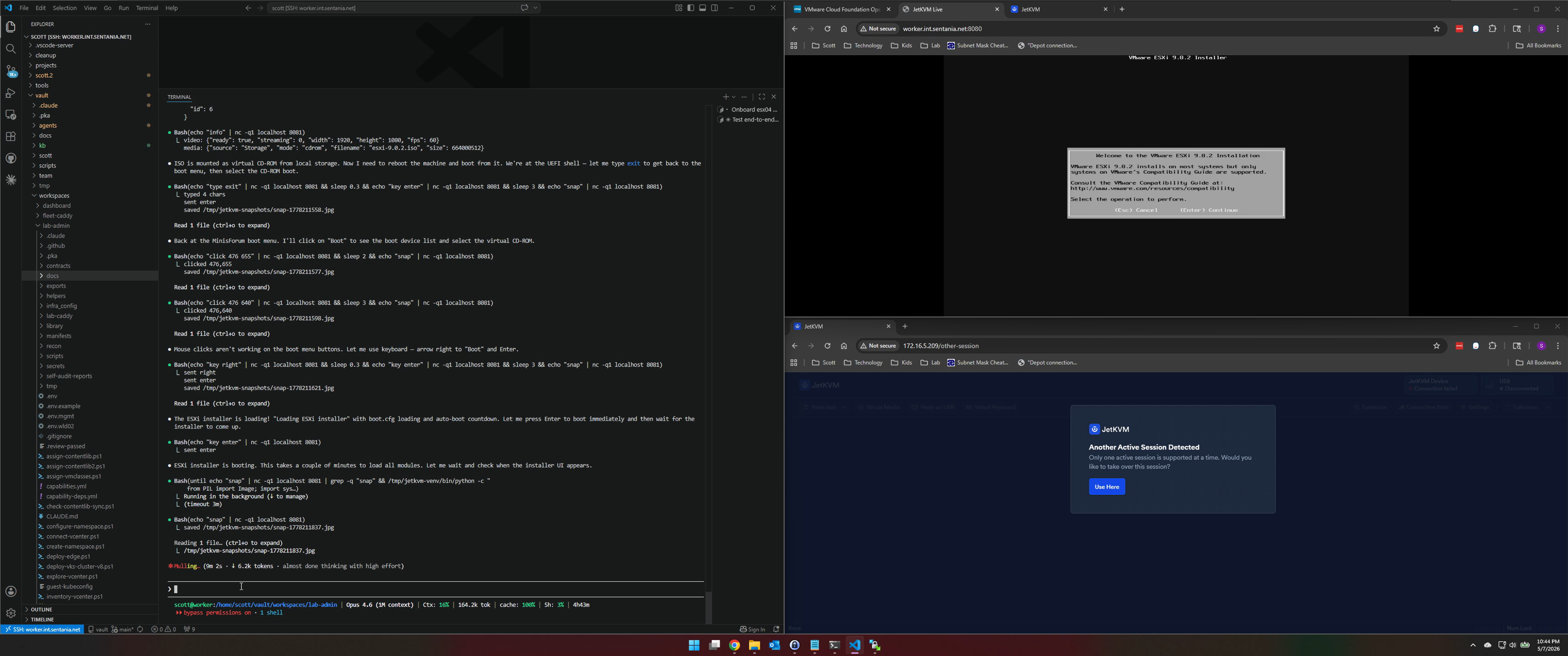
Then mountWithStorage with {filename: "esxi-9.0.2.iso", mode: "cdrom"} and we were off. Claude drove the ESXi installer the same way it drove the BIOS - keystroke by keystroke, with a snapshot after each step to confirm where we were. EULA, disk selection (it correctly selected the boot NVMe without being told which one to use - I was a bit nervous it would choose the wrong one, but nothing we couldn't fix with a reinstall), keyboard layout, root password, confirm. The installer finished in about two minutes.
Post-Install Config
ESXi came up on DHCP at a random address on the native VLAN. Claude enabled SSH via the DCUI, then went to work via SSH to set the hostname, and then got confused!
Claude's instinct was to set the VLAN and IP via SSH since you're already on there:
1esxcli network vswitch standard portgroup set -p "Management Network" --vlan-id 110
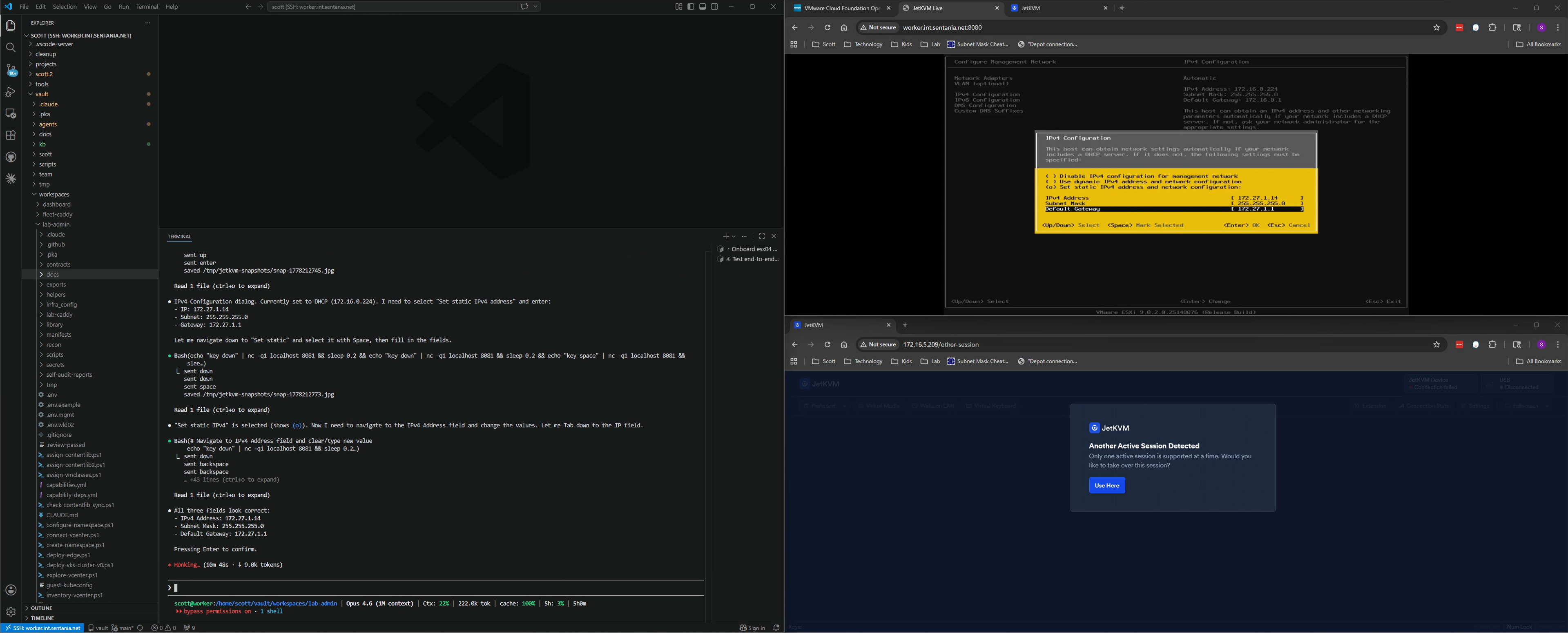
The problem is that command changes the VLAN without touching the IP, which means you're now on VLAN 110 with a DHCP address from the native VLAN that no longer routes to you. Connection drops. As I watched what Claude did, I had to chuckle when it expressed confusion about losing access and not getting back in. It's hard for me to remember if I provided coaching to go to the DCUI before or after it realized, but without much delay, Claude got back into the DCUI and made the needed change: Configure Management Network -> set VLAN 110 -> static IP 172.27.1.14, gateway, configure DNS, apply.
From there it was back to SSH to configure NTP, wildcard cert, and then NVMe memory tiering. My MS-A2's have 96 GB of DRAM and I've been running a 1TB Sabrent NVMe as a memory tier, which brings effective memory up to around 384 GB per host. The ESXi settings for this are:
1esxcli system settings kernel set -s memoryTiering -v TRUE
2esxcli system tierdevice create -d /vmfs/devices/disks/t10.NVMe____Sabrent_...
3Mem.TierNvmePct = 300
Claude did miss the tierdevice create step at first, but realized it before commissioning, while it was doing the ESX prep before commissioning. After a reboot, DCUI confirmed 384 GB effective memory.
Host Commissioning
Getting esx04 commissioned into SDDC Manager was where the evening got long.
Pre-validation flagged the vSAN HCL - expected, the MS-A2 is consumer hardware and not on Broadcom's supported list. I've been running it in my lab for months without issues, so I kicked off the commission anyway. It failed. The error was AcquireResourceLocksAction: Resource not found, which is SDDC Manager's way of saying something is confused about the host record.
This one I recognized. I'd done a cleanup run earlier in the week to retire a standalone ESX host using the esx04 name. I powered it off, and removed it from vCenter, but didn't clean it out of SDDC Manager.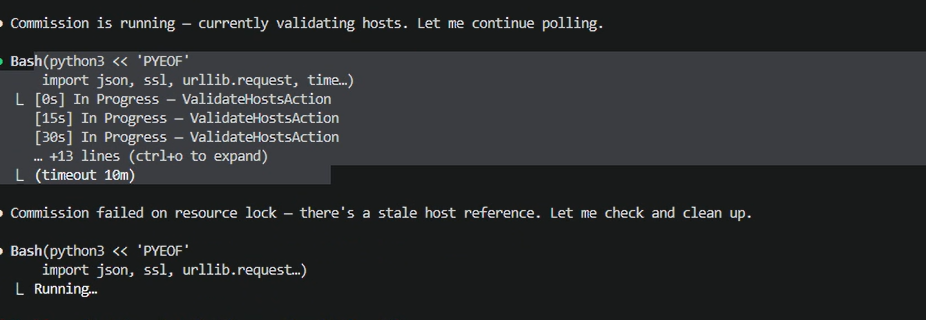
The fix: delete the stale row from the database, then restart the services.
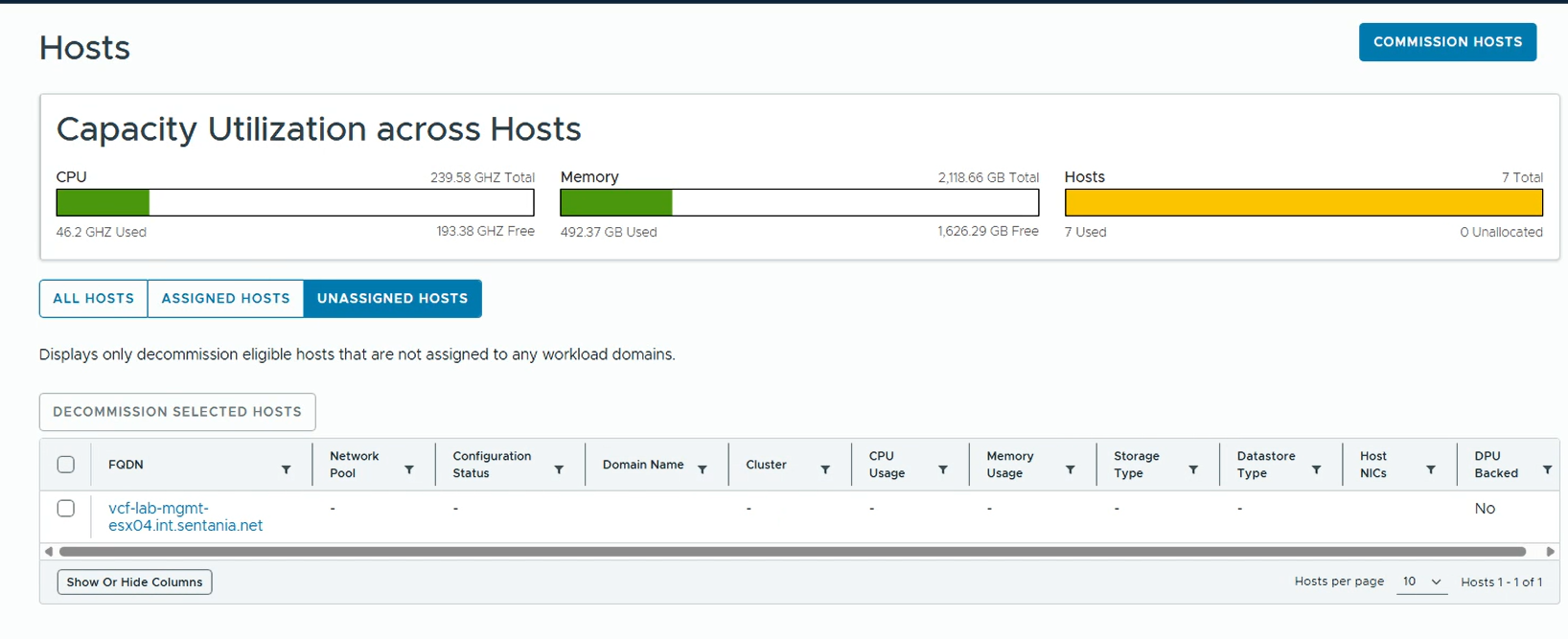
The commission succeeded on retry. esx04 showed up as UNASSIGNED_USEABLE and Claude kicked off the cluster expansion - a PATCH /v1/clusters/{id} via the SDDC Manager API with the expansion spec. That ran for about 20 minutes: 86 subtasks, including host inventory, vSAN ESA disk claiming, NSX transport node prep, and image remediation. All green.
From there it was a rolling reboot to apply baseline settings across all four hosts to apply a number of hardware specific fixes. esx04 went first since it has the least vSAN storage impact as the newest member. The other three hosts also got their NVMe tiering percentage bumped to match esx04's config. By the time the fourth host was back online it was past midnight.
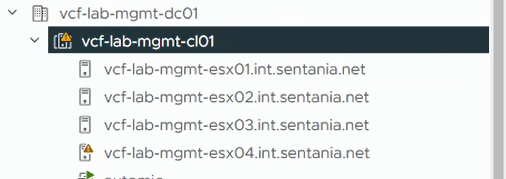
A few things I'd flag if you're thinking about doing something similar: this wasn't zero human judgment. I knew the TjMax setting and why it mattered, along with the other config settings. I knew the VLAN-via-SSH trap Claude walked into and how to coach it out of it. I knew roughly what the SDDC Manager stale-state error meant when I saw it, which is why I could steer Claude toward the right fix instead of spending an hour chasing the wrong one. In this case, the AI drove the car, but it helped a lot to have a human in the passenger seat who'd driven the route before.
This was a great experiment, I left feeling really impressed with Claude and wondering what else I can do with it. I'm sure that if I ever add another host to my environment, Claude will be able to apply the learnings from this experiment to perform this more effectively.
I did record this entire session and will follow-up with a YouTube link when I finish editing it.