How to use VCF Operations and VCF SSO behind a load balancer

I dropped the operations node out of my VCF lab cluster last week and replaced it with two new ones. Nothing dramatic, just routine lab upkeep, the kind of thing I've done more times than I can count over fifteen or twenty years of running this stack. Then I went to log in through the FQDN like I always do, and SSO just refused to work.
Not a slow login, not a weird certificate warning. A flat rejection, straight from the identity broker, telling me my redirect URL was invalid.
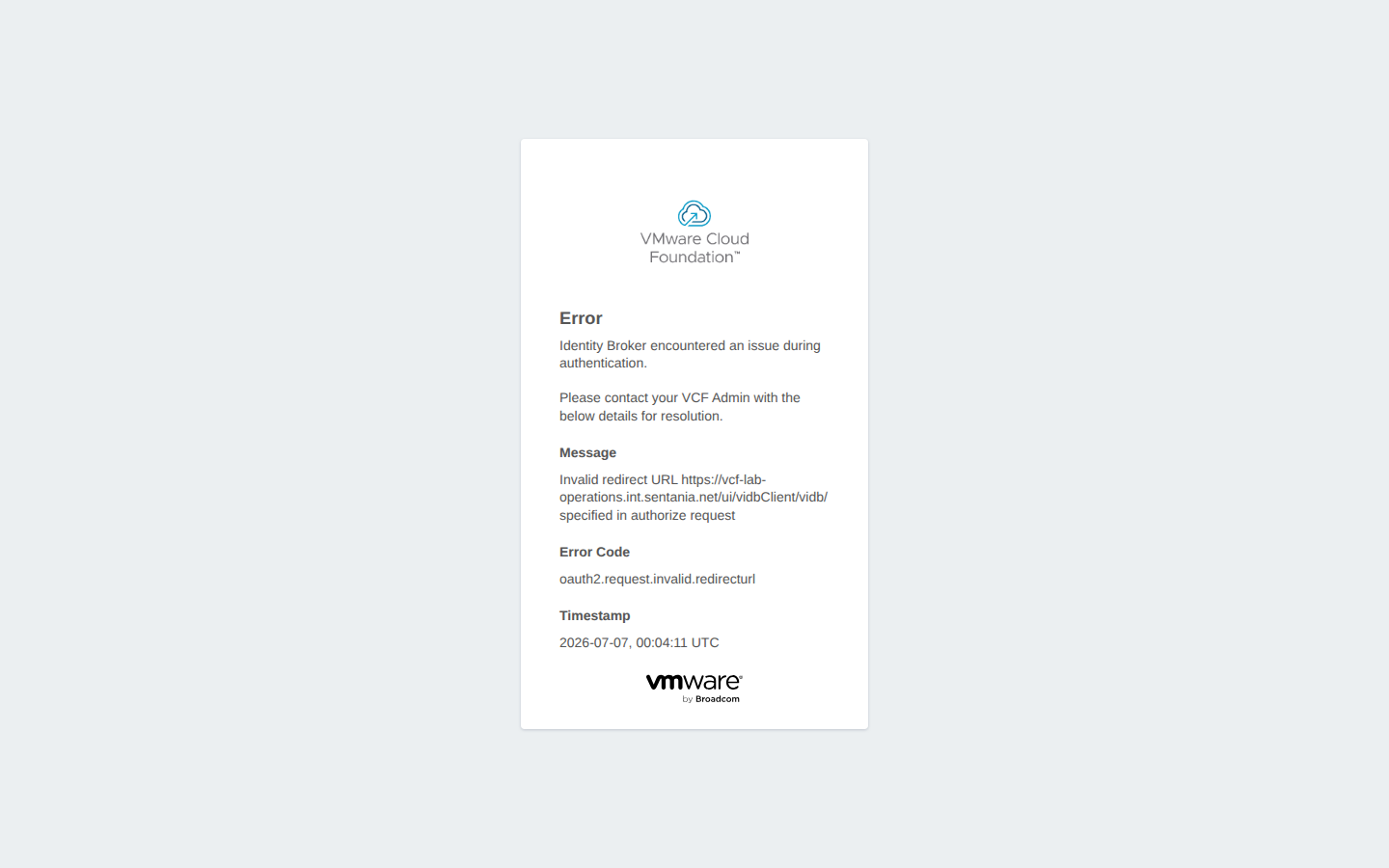
The full error read:
1Error
2Identity Broker encountered an issue during authentication.
3Please contact your VCF Admin with the below details for resolution.
4
5Message
6Invalid redirect URL https://<ops-alias>/ui/vidbClient/vidb/ specified in authorize request
7
8Error Code
9oauth2.request.invalid.redirecturl
Where things went sideways
The mental model I'd been carrying around for years is that VCF Operations knows its own address, and that's that. Swap the nodes behind a load balancer alias and the alias just keeps working, because the alias never changed. What I hadn't accounted for is that the identity broker doesn't take the alias on faith. It checks the redirect URL an authentication request claims to come back to against whatever VCF Operations itself is telling it the system lives at. After the node swap, that registered address had drifted off the alias, so every login attempt bounced.
I'm not going to pretend I diagnosed this cleanly on the first pass. My first assumption was that I'd have to unregister the whole SSO integration and rejoin it fresh, the way I'd handled identity weirdness in older versions. I went looking for that control before I looked for anything else.
Finding the fix
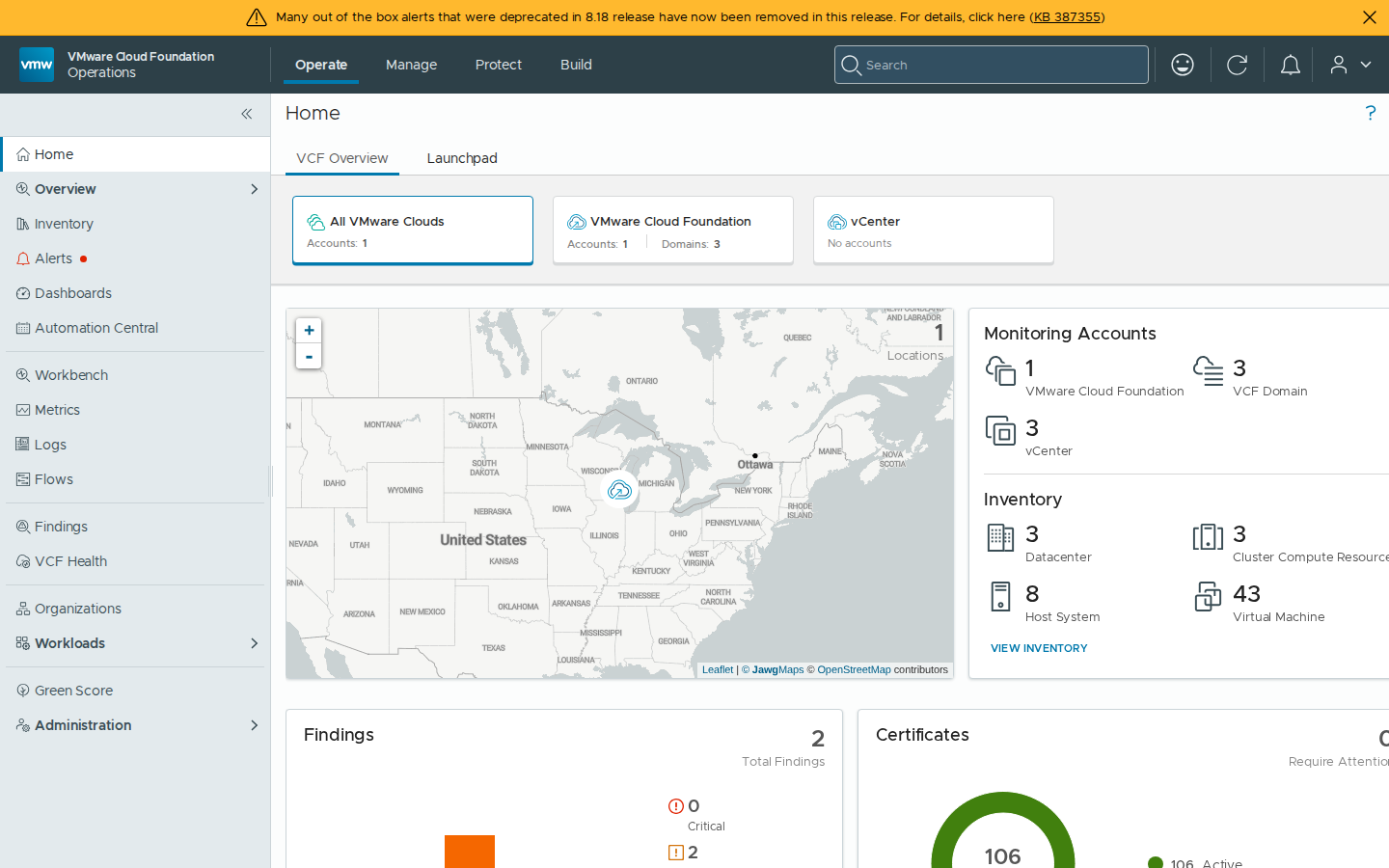
It turns out there's a setting for exactly this, tucked away under Administration → Global Settings → System Settings, called System access URL. The description underneath it is almost too modest for what it actually does: "This is the URL used to access the system when a load balancer is used." That's it. That's the field that tells the identity broker where to send people back.

Mine was blank. I set it to the alias, hit Save, and that was the whole fix.

I was able to login on the very next attempt. No restart, no waiting on a service, no unjoin required.
It's a strange feeling to stumble onto a setting like that after this many years administering the product. It was never something I'd needed before, because it's never something that mattered until the exact address VCF Operations answers to changed out from under it. I'll be watching for that field the next time I touch a node topology.